

Planning
Use AI suggestions or assign shifts manually. Review availability and staffing before publishing.
Employee scheduling software and QR attendance for teams working across multiple locations.
Free demo · No payment required
Why teams use Shiftor
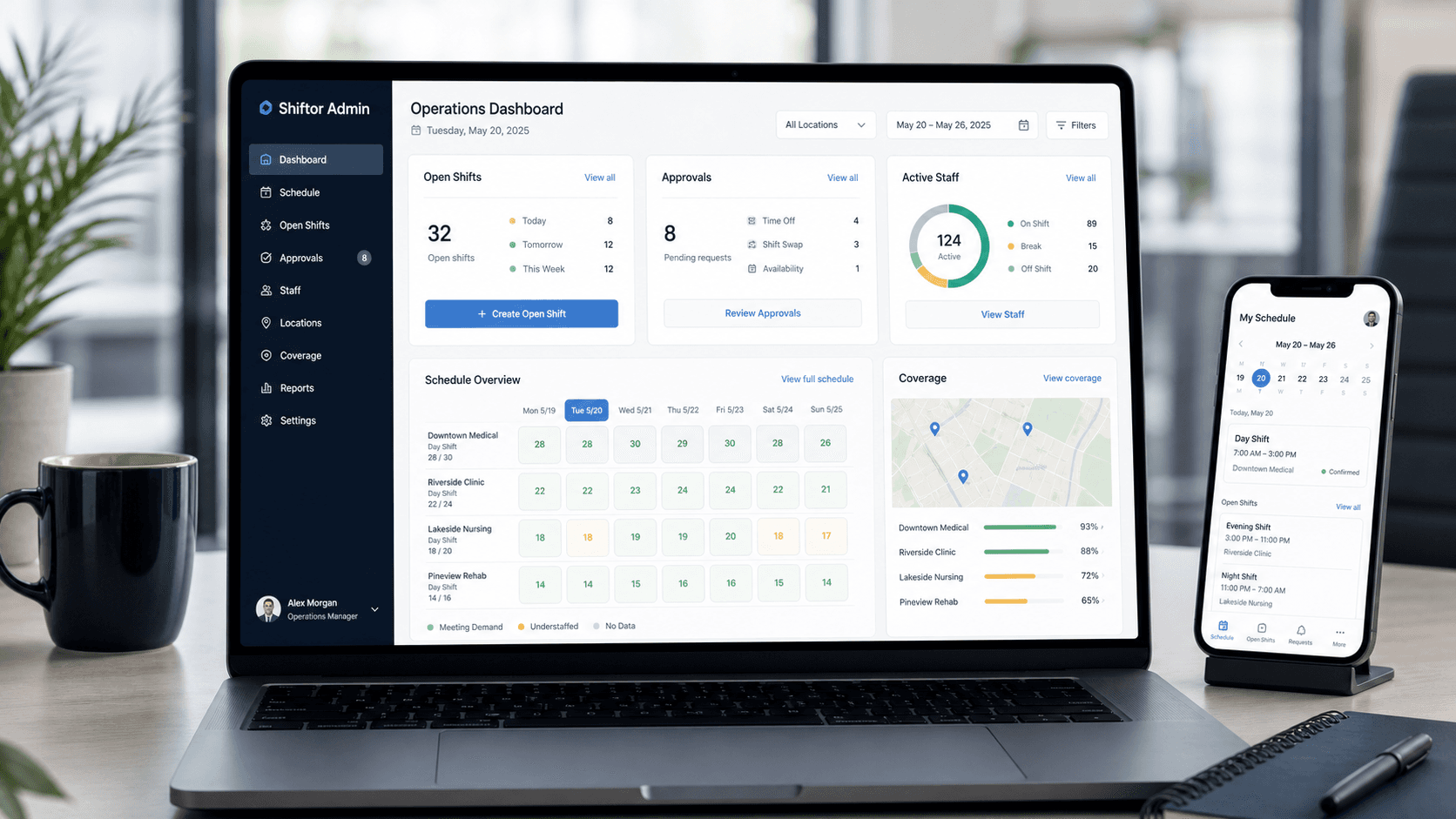
Connect planning, publishing, and attendance in one workspace so cleaning, security, and field teams can keep track of schedules and responses with less coordination.
Direct support
Questions go directly to the Shiftor team.
We help you set up the first workspace, shape the schedule workflow, and connect QR attendance cleanly.
Demo access stays protected so sample data and workflows remain clean.
Planning
Use AI suggestions or assign shifts manually. Review availability and staffing before publishing.
Coverage
Review open shifts, missing availability responses, and absences so you can arrange replacements.
Costs
Review estimated staffing costs before publishing, based on planned hours and recorded hourly rates.
Simple setup
Start small, validate the workflow, and expand the workspace when your team is ready.
Step 1
Create your admin account, verify your email, and complete activation in Account. Review pricing before you begin.
Step 2
Add employees, worksites, and availability in one clean setup.
Step 3
Publish your first shifts and connect it to QR attendance when needed.
Product in action
Share monthly plans and track shift confirmations. Employees can view shifts, clock in and out using QR codes, and review their hours on mobile.
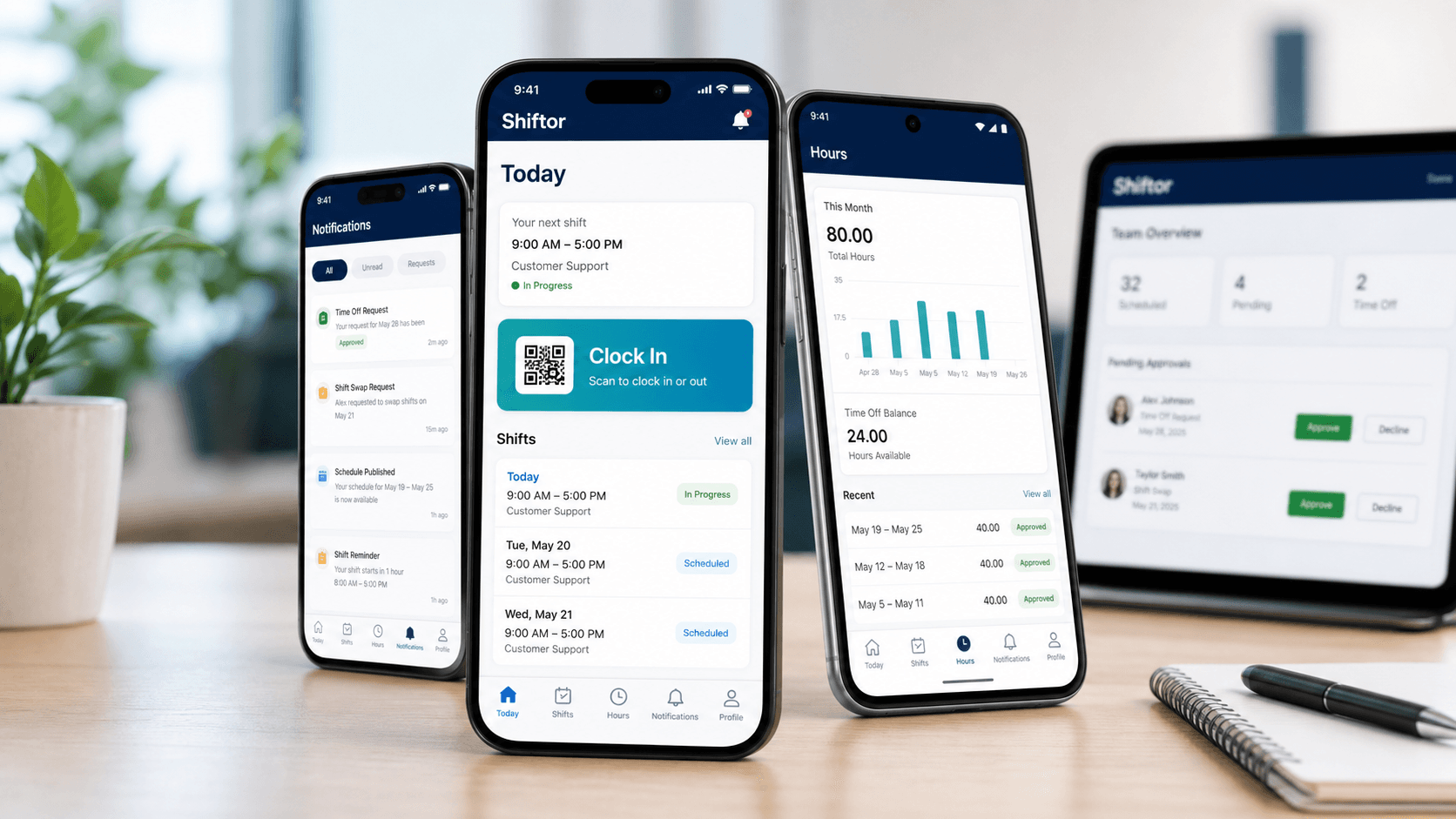
Shiftor Employee
Schedules, QR clock-in and working hours — together in one app for your team.
Available for iPhone and Android. Sign in with access provided by your employer.
Scan or open the link to install the app.Open the store link to install the app.
Scan or open the link to install the app.Open the store link to install the app.
For operations teams
Enter your name and email to open a demo workspace with sample data immediately.
Best fit
Common pain points
Why Shiftor
Explore scheduling with sample data. For your own workspace, we can help you get started with one site, a small team, or your existing Excel roster.
Calculate coverage and download an example employee schedule.
Manage availability, shifts, and attendance together.
Go from a first schedule draft to a published roster.
Assign cleaning teams across customer worksites.
Coordinate posts, shifts, and attendance on site.
Start with one team and expand scheduling as you grow.
Keep schedule changes and publishing in one place.