
Current version
Less version confusion
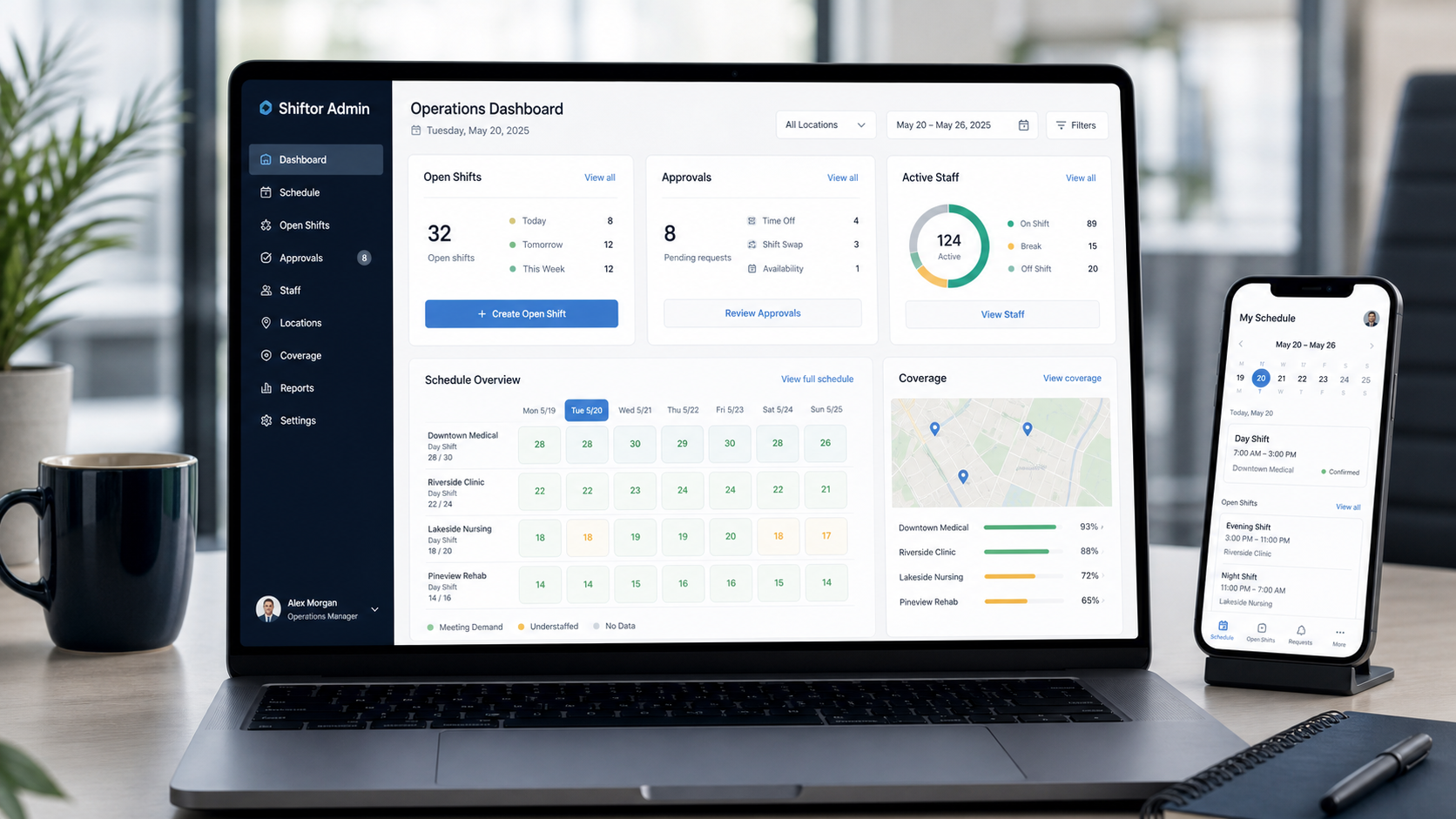
Instead of sending files back and forth, admins and employees work from one shared scheduling state.
Shiftor connects scheduling, roster publishing, the employee app, QR attendance, and monthly hours in one workflow. You can start from an existing Excel plan and test one site or team first.
Current version
Instead of sending files back and forth, admins and employees work from one shared scheduling state.
Attendance
QR clock-in and clock-out stay connected to shifts, worksites, and monthly hours.
Rollout
Start with an existing Excel plan, one site, or one small team.
Scheduling
Plan employees, worksites, and shifts in the same operational workspace.
Employees
Employees see their shifts in the app and can clock in and out with QR.
Control
Attendance, schedules, and monthly hours stay connected.
The best start is not a big-bang migration. Begin with an existing Excel roster, one site, or one small team. Expand Shiftor only after the workflow fits.
Can I start with my existing Excel roster? Yes. An existing Excel roster can be used as the starting point for the first Shiftor pilot with one site or team.
Does Shiftor fully replace chat messages? Shiftor reduces many planning and follow-up messages because shifts, publishing, app access, and QR attendance live in one workflow.
Do I need to move every team immediately? No. Shiftor can be tested first with a small pilot, one site, or one team.