
Step 1
Send the current workflow
Share how you plan today: Excel, chat, PDF, or a short description.
Moving away from Excel and chat should not feel risky. Start with one site, one team, or a demo workspace and review scheduling, QR attendance, and monthly hours step by step.
You do not need a perfect import, a finished data structure, or a full migration plan. Real examples from your current workflow are enough for the first step.
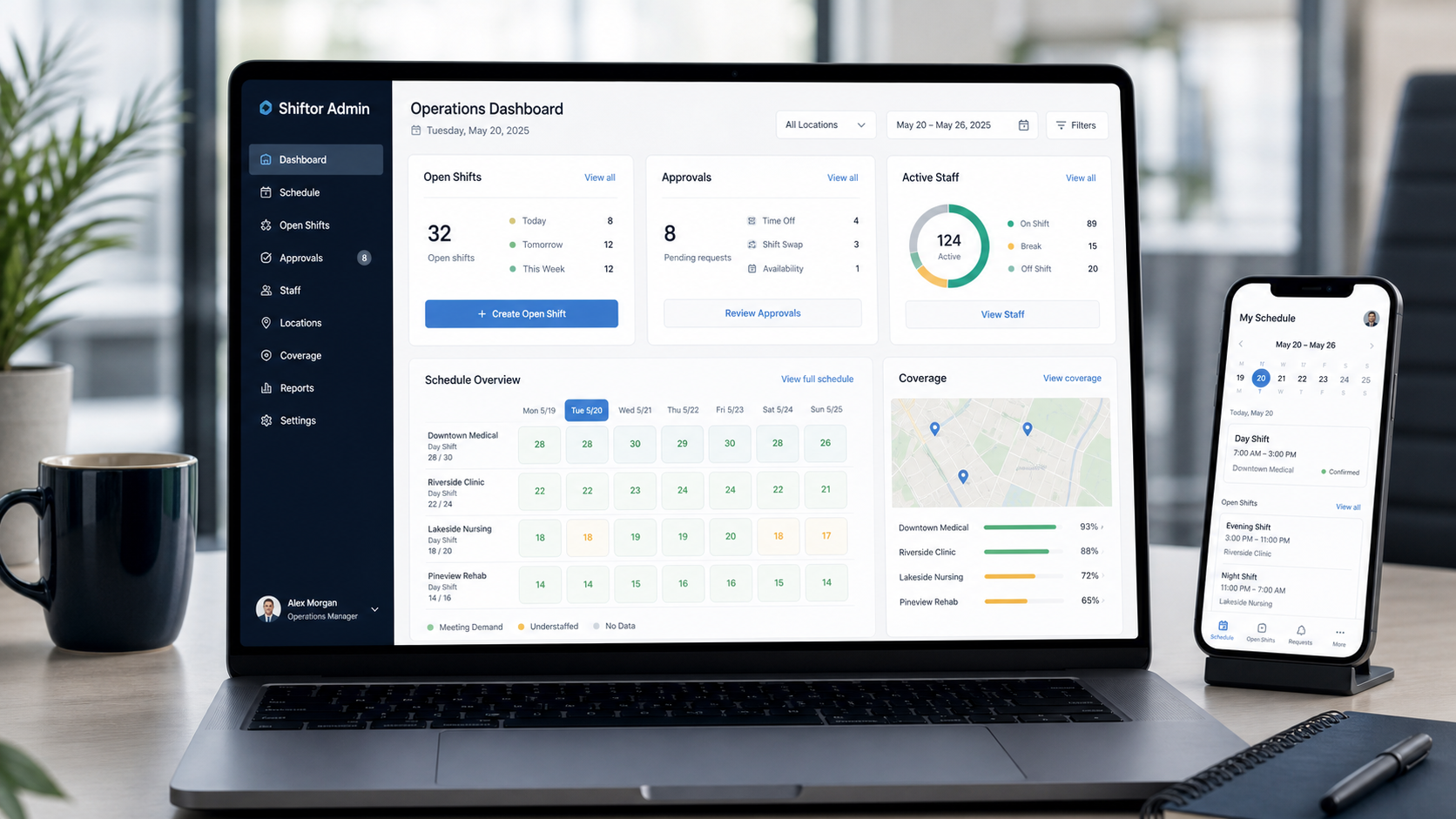
Step 1
Share how you plan today: Excel, chat, PDF, or a short description.
Step 2
We help set up one site, one team, or demo data as the first testable workflow.
Step 3
Only after scheduling, app access, and QR attendance fit do you expand to more teams.
For setup questions, email support@goilabs.com. For strategic conversations, reach the founder at founder@shiftorapp.com.
What can I send for the first setup? An existing Excel roster, employee list, site list, or a short description of the current workflow is enough to start.
Do I need to move the whole company immediately? No. Shiftor can be tested first with one site, one team, or a demo workspace.